What the provider has set
The three tables the engine reads. Change any of them and the board on the right recomputes.
Start from
Weekly opening hours
Recurring, by weekday. A window is a start, an end and the length of one slot; a day may have several, and a day with none is simply not open.
One-off blocks
Time taken out of a single date. Leave both times
empty for a whole day off — that is what a null pair means in the
blocked_slots table, and the engine reads it that way.
Existing bookings
The engine's filter is
status = 'confirmed', so only a confirmed appointment
is busy. Cancelling one frees its slot again, which is the whole
point of cancelling it; a completed one frees it too, which is
almost always moot because a completed appointment is in the
past.
What a guest may book
Computed here, in this tab, by the same rules the Flask app applies.
The question
The clock is a control because it is part of the answer: a date in the past offers nothing at all, and today offers only what has not started yet. A slot beginning this very minute is already gone — by the time anyone confirmed it, it would have begun.
How it got there
Is a particular span bookable?
is_slot_free walks consecutive free
slots rather than matching one exactly, which is why a provider on a
30-minute grid can still take a 60-minute booking.
—
What the engine is part of
Almanac is a multi-role booking platform: Flask and JWT behind a single-page front end. Everything above is one module of it.
- Three roles. Clients book, providers publish hours and a priced
catalogue, admins see everyone. Every sensitive endpoint is guarded by
@roles_required, revalidated on each request rather than trusted from the token. - Booking runs both directions. Clients pick from the free slots this page computes. Providers can also send an invite by email that becomes a booking without the guest making an account — a coffee chat is usually first contact, and asking an alum to register before they can pick a time loses most of them.
- Five kinds of email, each sent exactly once. Welcome, confirmation, cancellation, completion and a 24-hour reminder, queued on a background thread so a slow mail server never slows a booking. Every attempt is logged, and a unique index over that log is what enforces the “once” — the guarantee lives in the schema, not in a code path that could be missed.
- Double-booking is impossible at the database level, via a partial unique index rather than an application check a race could slip between.
- Money is an integer in minor units, and
0means free: a real answer, not a missing one.
Running it is pip install -r requirements.txt then
python app.py, on 127.0.0.1:5003. It refuses to
start reachable from outside with the committed development secret,
because that secret is public and it signs every session token.
The full README →
The calendar, blank
The engine above answers when can somebody book me. This is the other side of it: your own week, in one file that needs no server at all.
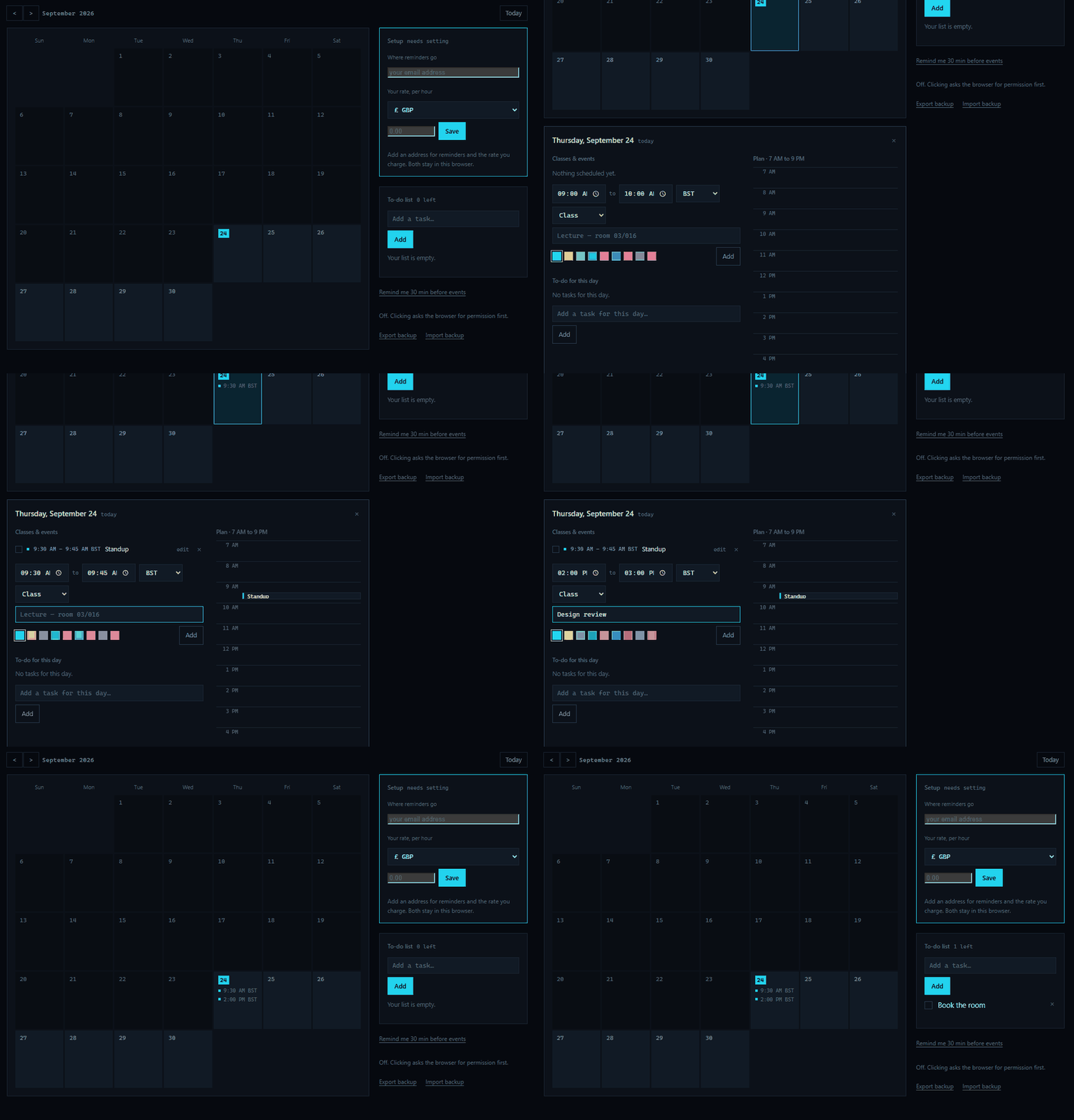
Open the blank calendar → — no term, no diary, no to-dos, nothing of anybody's. The sample planner is the same engine seeded with an invented term, which shows what it does and is the wrong place to start a real one from: the first job would be deleting somebody else's lectures.
A file:// page can raise a notification while its tab is
open and none at all once it is closed — it cannot register a
service worker, so there is no background to run in. That is the seam
between the two halves: export a backup from the calendar, import it
into Almanac, and the server's sweep mails you before each event whether
or not anything is open. domain/schedule.py keys that on the
planner's own event ids, so importing the same export twice updates
rather than duplicates.